Anyone who's traded a while knows the feeling.
On the chart, the entry zone looks clear enough.
XAUUSD is rising and you want a pullback into 2335-2338 to buy. Or price is weak and you want a bounce into 2350-2353 to sell.
Trouble is, you can't sit and stare at it every minute.
Price hits the zone while you're at lunch.
Price taps the zone and snaps straight back out.
Or worse, you watch it get close, get itchy, click too early, and it wicks a bit further before it finally runs.
How does Grid Limit work?
Simple.
You draw a price zone on the MT5 chart.
That zone can be a pullback area, resistance, support, an order block, demand/supply, whatever you trade off your own system.
Then you switch the EA on.
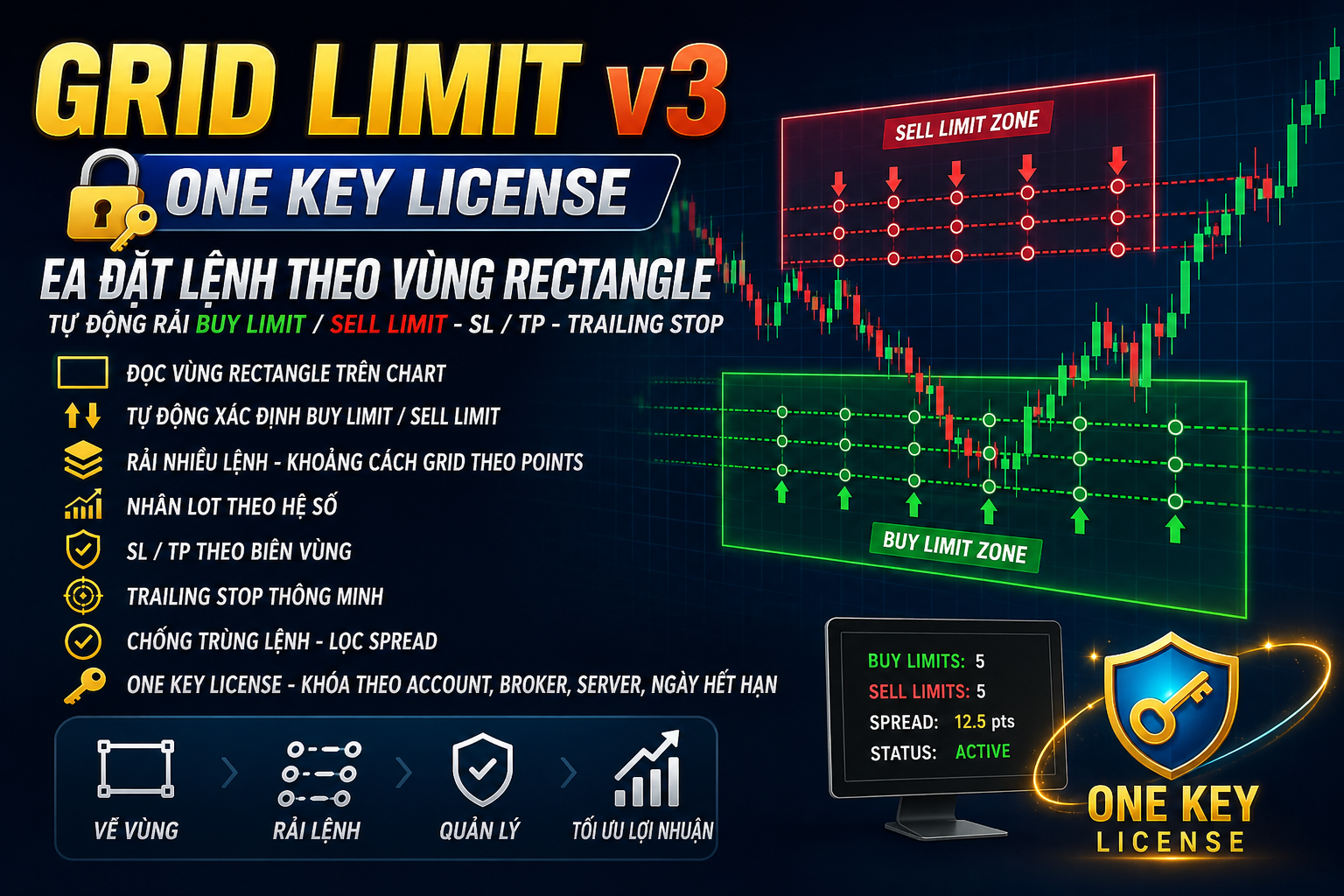
When price reaches the zone, the EA works the orders to your settings: entry, lot management, TP, SL, and the parameters you've set.
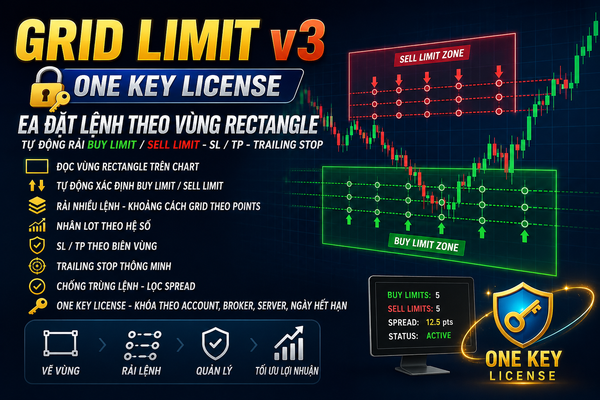
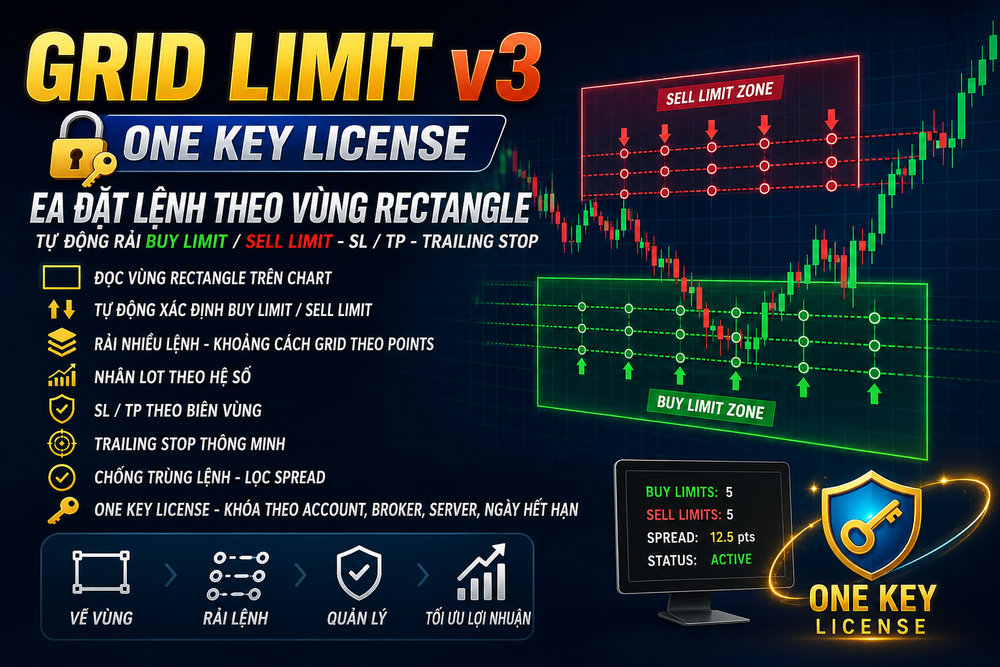
- Reads the rectangle zone on the chart
- Waits until you've finished drawing before it places anything
- Works out the order direction on its own
- Spreads several limit orders across the zone
- Scales the lot on each order
- Gives every order its own SL/TP
- Clears old pending orders in the same zone before placing again
- Handles each zone once
- Trailing stop on filled orders
- Checks the broker's Stop Level
Who is this tool for?
Grid Limit suits traders who already have their own read on entry zones.
For example:
You trade pullbacks.
You like waiting on a retest zone.
You trade supply and demand.
You mark a zone and wait for price to come back and trade the reaction.
You'd rather not place a stack of orders by hand on MT5.
It's not for anyone who wants to flip an EA on and let it print money by itself.
The core is still your own entry zone.
Getting a Grid Limit license
Right now FXScalpers gives a free usage license to anyone who opens a trading account through the FXScalpers referral link.
The process is simple:
- Open an account through the IB link HERE
- Send your account confirmation details to https://t.me/kentfxs
- FXScalpers verifies and issues the EA usage license.
- Test on demo first, and only think about going live with a small lot once you're comfortable.